
MTS Signature Field | Electronic Signatures for SuiteCRM
Digitize your paperwork instantly. MTS Signature Field introduces a touch-friendly, legally compliant e-signature pad directly into your SuiteCRM modules, enabling on-the-spot approvals.
Why Add E-Signatures to Your CRM?
- Touch-Device Ready: Capture signatures smoothly on iPads, Android tablets, and smartphones out in the field.
- No External Subscriptions: Stop paying monthly fees for third-party e-sign services like DocuSign. Everything is native.
- Print & PDF Integration: Signatures are stored as transparent PNGs, ready to be embedded into SuiteCRM PDF templates.
- Universal Module Support: Add signature fields to Quotes, Contracts, Invoices, or Custom Modules via Studio.
📸 Visual Walkthrough & Interface Preview
Take a visual tour of the features and settings:
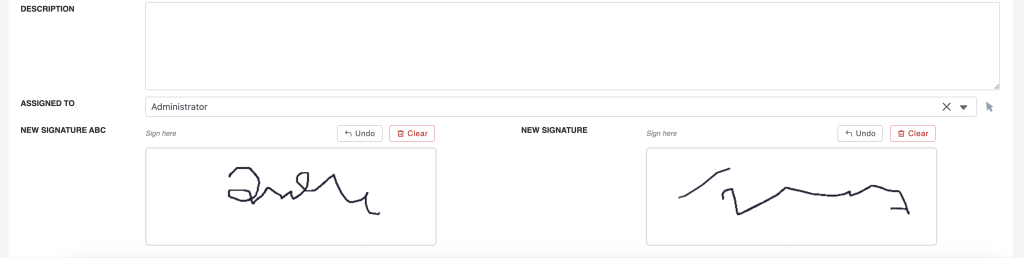
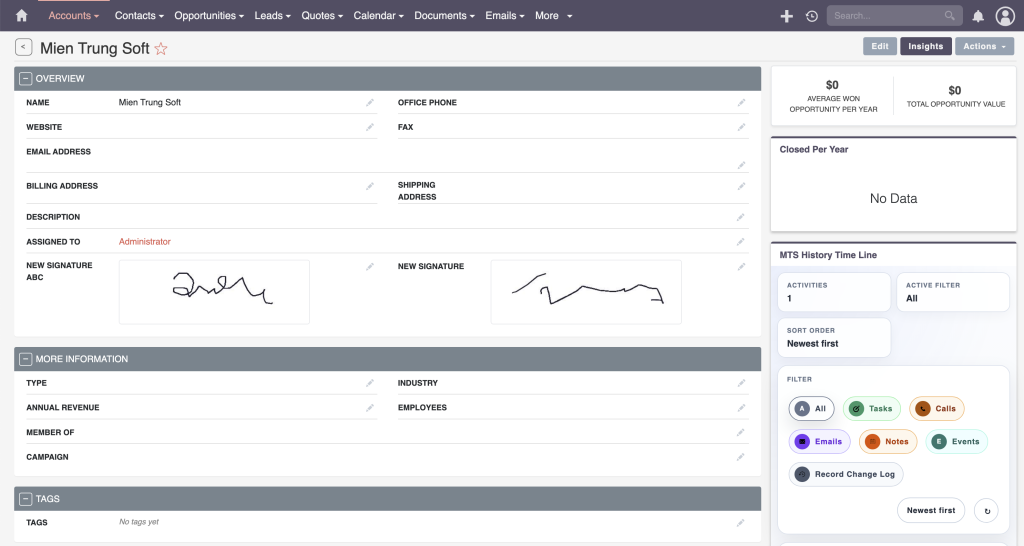
Secure and seamless electronic signature capture:
High-Fidelity Capture
Captures smooth, high-resolution vector-like strokes that scale perfectly on high-DPI retina displays.
PDF Template Ready
Easily insert the `$signature_field` variable into any SuiteCRM PDF template for instant contract generation.
Read-Only Locking
Once a signature is saved, the field can be locked via SuiteCRM roles to prevent tampering or unauthorized changes.
Installation & Setup Guide
Deploy secure, touch-friendly digital signature pads to your CRM modules.
1. How to Install
- Log into SuiteCRM as an Administrator.
- Navigate to Admin > Module Loader.
- Upload the plugin ZIP file and click Install.
- Run a Quick Repair and Rebuild.
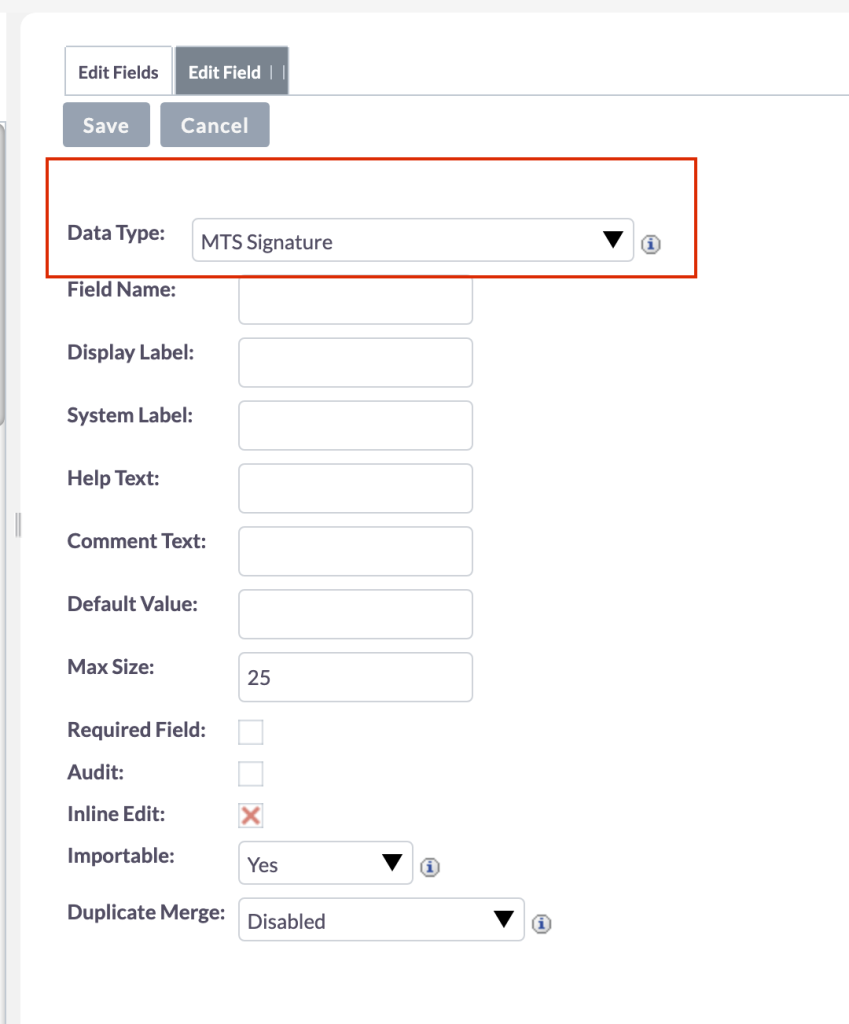
2. Adding a Signature Field via Studio
The Signature field type is seamlessly integrated into the core Studio manager.
- Go to Admin > Studio and select your desired module (e.g., Quotes).
- Click Fields > Add Field.
- Select Signature from the Data Type dropdown.
- Save the field, then add it to your module's Edit View and Detail View layouts.
3. Generating PDF Contracts
Signatures are stored as high-resolution PNG images. To print them on a PDF:
Insert the variable $yourmodule_signature_field into any standard PDF Template using the WYSIWYG editor. The image will automatically render when the PDF is exported.
No changelog entries yet.
Does this work on mobile phones and tablets?
Absolutely. The signature pad is fully responsive and optimized for touch events on iOS and Android devices.
Can I print the signatures on PDF Quotes?
Yes. Signatures are saved securely as image files linked to the record, which render perfectly inside standard SuiteCRM PDF Manager templates.
How many signature fields can I add per module?
There is no limit. You can add multiple signature fields (e.g., 'Customer Signature' and 'Manager Approval') to the same record.
Related SuiteCRM Plugins

MTS Tag Field | Advanced Color Tags for SuiteCRM
Organize your CRM records instantly. Add visual, searchable, color-coded tags to any module for rapid categorization and filtering.

MTS Field Highlight
Draw immediate attention to VIP accounts, high-value deals, and critical statuses with customizable color badges and highlights.
MTS Dynamic Target List | Automated SuiteCRM Segmentation
Automate your SuiteCRM marketing campaigns. Dynamically populate target lists based on live conditions, custom fields, and real-time CRM data.
Request this plugin
We don't run automated checkout yet — every order goes through a short form so we can confirm your SuiteCRM version, license type, and send a secure payment link.