
MTS Multi Organization
Run Multiple Companies & Business Units in a Single SuiteCRM Instance with Strict Data Isolation
Eliminate the cost of maintaining multiple CRM servers — partition your SuiteCRM instance into isolated company workspaces with distinct numbering and branding.
Why Choose MTS Multi Organization?
- Consolidate multiple companies, subsidiaries, or business units inside one unified SuiteCRM deployment.
- Strict multi-tenant data isolation ensures users only see records belonging to their assigned organization.
- Independent sequential numbering (Invoices, Quotes, Leads) per company.
- Dramatically reduces infrastructure, maintenance, and server licensing overhead.
Key Capabilities & Features
- True Data Isolation: Enforces strict database-level filtering so organizations cannot see each other’s data.
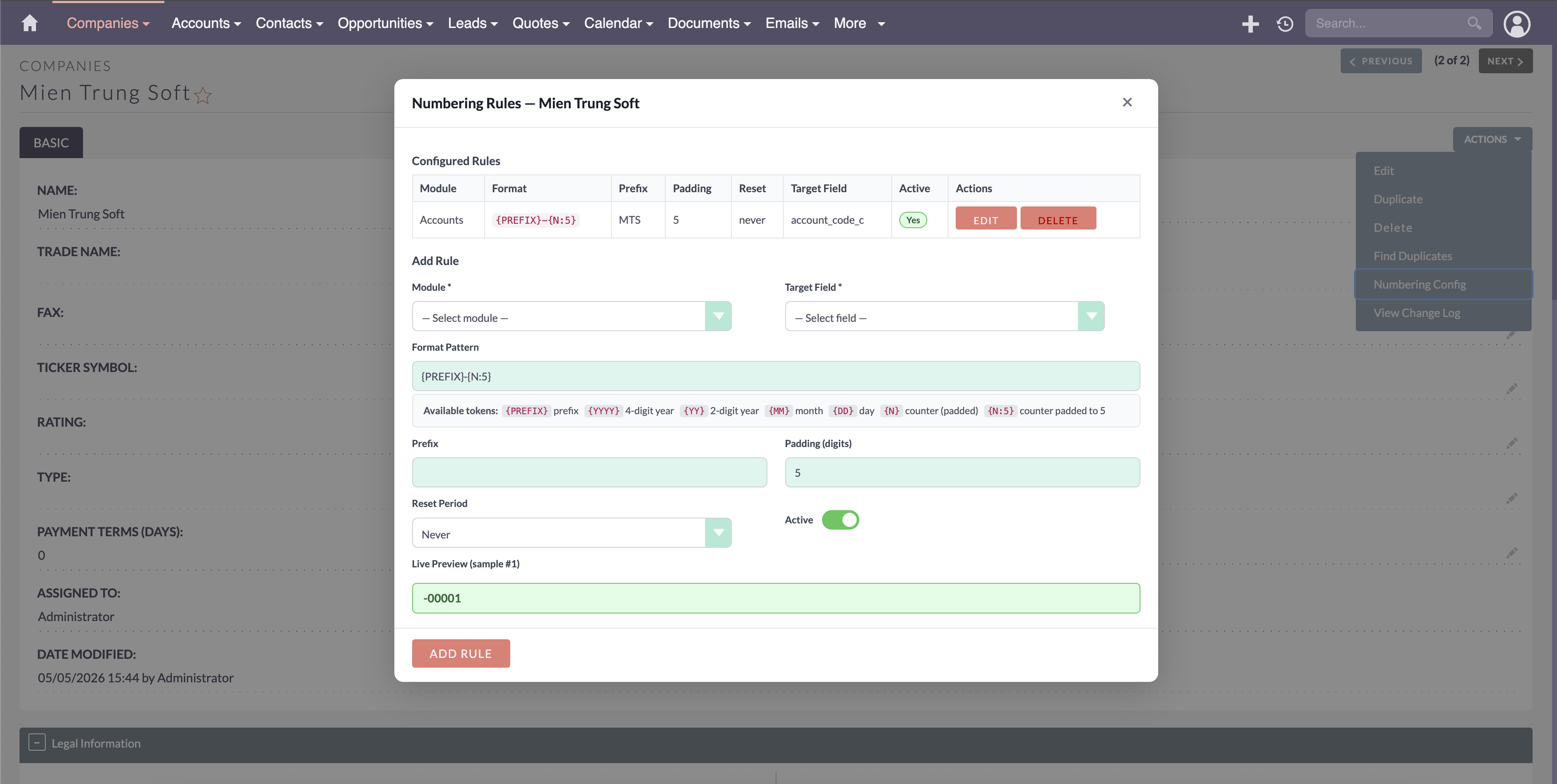
- Per-Company Record Sequences: Each company maintains its own independent invoice, quote, and lead numbering.
- Company-Specific Branding: Display distinct logos, email signatures, and headers per organization.
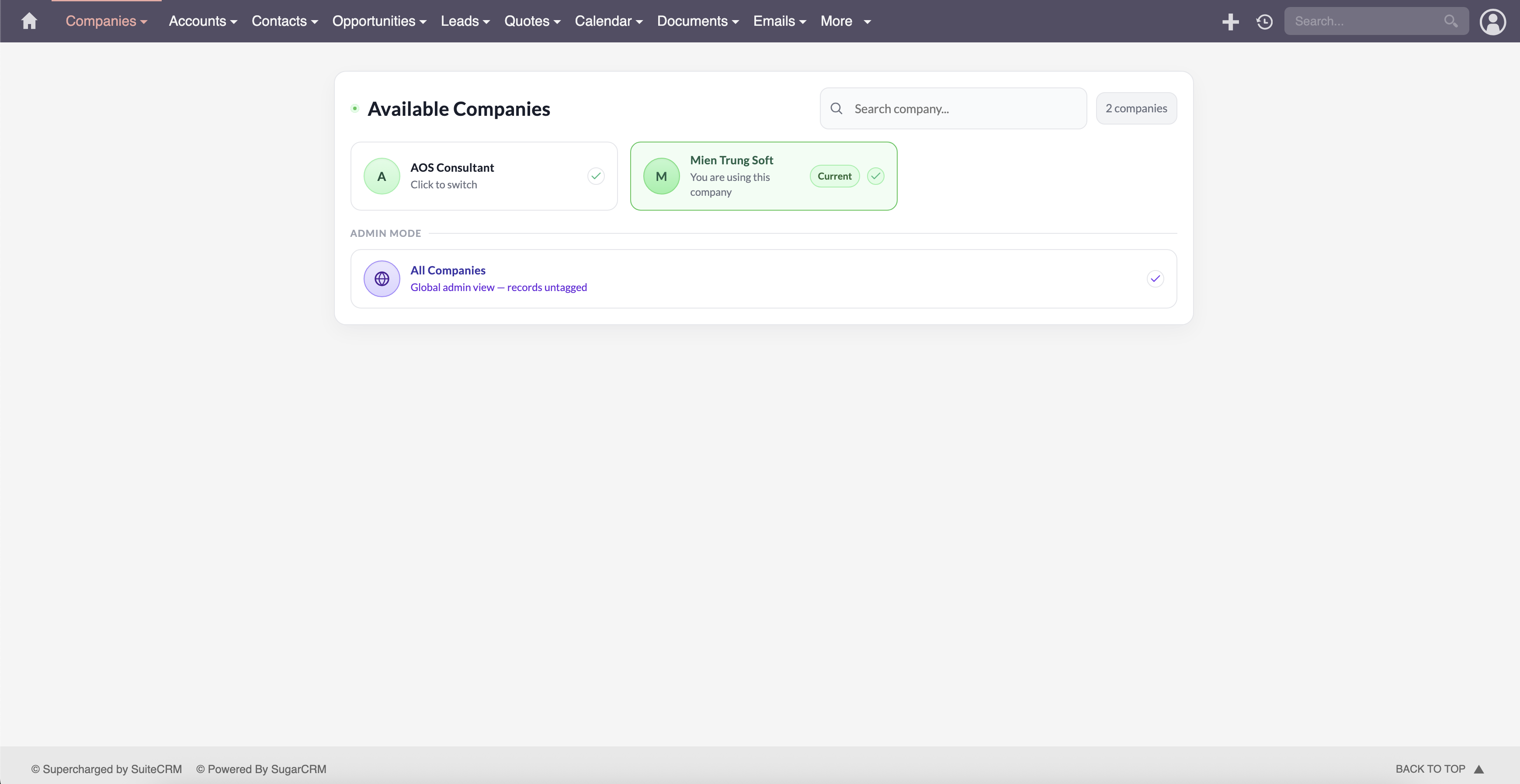
- Super Admin Cross-Company View: Executive users can switch between organizations or view aggregated rollup reports.
Popular Business Use Cases
- Conglomerates and holding companies managing multiple independent subsidiary businesses.
- Franchise networks providing isolated CRM access to individual franchisees.
- Agencies managing separate client divisions within a single centralized platform.
Enterprise Grade & Upgrade-Safe: Built strictly following SuiteCRM architecture standards. All modifications are stored safely in upgrade-resistant directories, ensuring smooth transitions across CRM version updates.
📸 Visual Walkthrough & Interface Preview
Take a visual tour of MTS Multi Organization features, intuitive layouts, and configuration options inside SuiteCRM:
Feature Breakdown for MTS Multi Organization
Explore the core functionality, productivity tools, and administrative capabilities included with this plugin.
True Data Isolation
Enforces strict database-level filtering so organizations cannot see each other's data.Per-Company Record Sequences
Each company maintains its own independent invoice, quote, and lead numbering.Company-Specific Branding
Display distinct logos, email signatures, and headers per organization.Super Admin Cross-Company View
Executive users can switch between organizations or view aggregated rollup reports.MTS Multi Organization - Documentation & Setup Guide
1. Prerequisites & System Requirements
- CRM Compatibility: SuiteCRM 7.10 - 7.14 and SuiteCRM 8.0 - 8.7+
- PHP Version: PHP 7.4, 8.0, 8.1, 8.2, or 8.3
- Database: MySQL 5.7+ / MariaDB 10.3+
- Admin Privileges: Full SuiteCRM Administrator account required for installation.
2. Installation via Module Loader
- Download the installation package (
mts-multiorgs.zip) from your Mien Trung Soft account. - Log in to your SuiteCRM dashboard as an Administrator.
- Navigate to Admin > Module Loader.
- Under Upload Installation Package, click Choose File and select
mts-multiorgs.zip. - Click Upload.
- Once uploaded, locate the module in the list and click Install.
- Review and accept the license terms, then click Commit.
- After installation completes, navigate to Admin > Repair and run Quick Repair and Rebuild.
3. Configuration & Administration
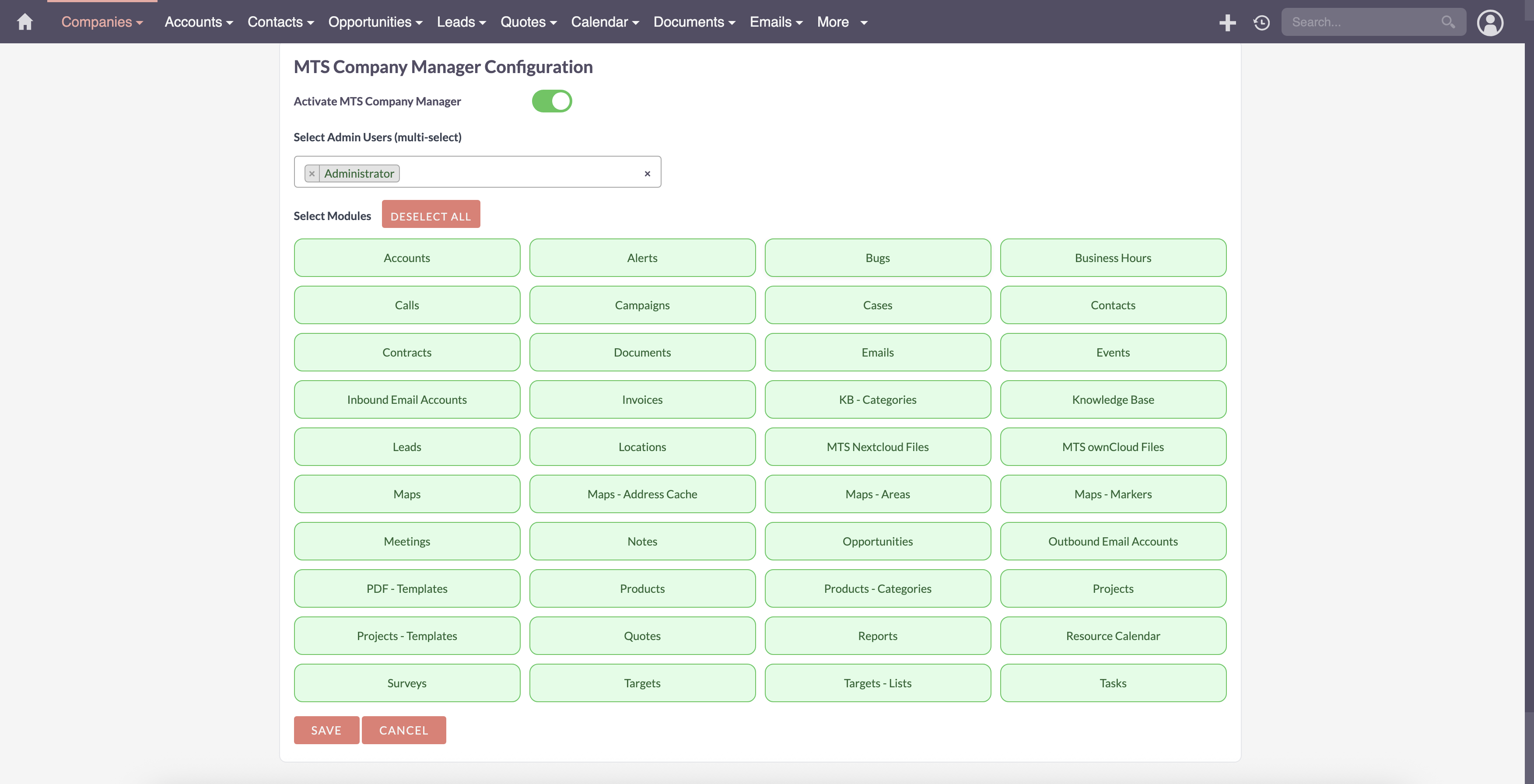
Go to Admin > MTS Multi Organization. Create company entities, assign users to organizations, and configure company-specific numbering masks. Configure user role permissions under Admin > Role Management if you wish to restrict module access to specific teams or security groups.4. Troubleshooting & Support
- Assets not loading? Run Quick Repair and Rebuild and clear your browser cache (Ctrl+F5 or Cmd+Shift+R).
- Permission issues? Ensure correct file permissions on your SuiteCRM server (
chmod -R 755 custom/ modules/). - Need technical assistance? Contact our dedicated support team via your Mien Trung Soft portal or email us with your CRM error logs.
Is MTS Multi Organization compatible with SuiteCRM 7 and 8?
Does this plugin modify core SuiteCRM files?
Can I install this on development or staging instances?
What is included with technical support?
How do I receive plugin updates?
Related SuiteCRM Plugins
MTS Sudo Login | Login As User for SuiteCRM Admins
Troubleshoot permission issues instantly. Allow administrators to securely log in as any user with one click, without needing their password.
MTS User Activity Log
Track every user login, view, edit, and deletion with detailed diff history — plus 1-click restore for accidentally deleted data.
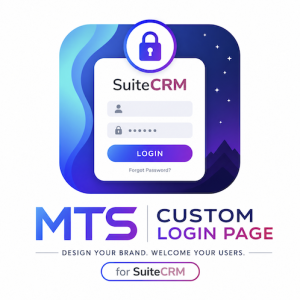
MTS Custom Login Page for SuiteCRM | Professional Branded Portal
Transform your SuiteCRM 8 login screen with custom logos, responsive templates, and dynamic background slideshows. No coding required.
Request this plugin
We don't run automated checkout yet — every order goes through a short form so we can confirm your SuiteCRM version, license type, and send a secure payment link.