
MTS Custom Login Page for SuiteCRM | Professional Branded Portal
Your SuiteCRM login page is the first touchpoint for your sales team, partners, and clients. MTS Custom Login Page replaces the generic default screen with a fully branded, premium login experience.
Why Choose Our Custom Login Page?
- Six Premium Templates: From Aurora Glass to Split Screen, choose a style that fits your brand instantly.
- Dynamic Backgrounds: Support for solid colors, gradients, images, and automatic slideshows with 21 transition effects.
- Real-time Live Preview: View your visual changes instantly in the admin panel before pushing them live.
- 100% Upgrade Safe: Customizations apply only to the login portal and never break during core SuiteCRM updates.
📸 Visual Walkthrough & Interface Preview
Take a visual tour of the features and settings:
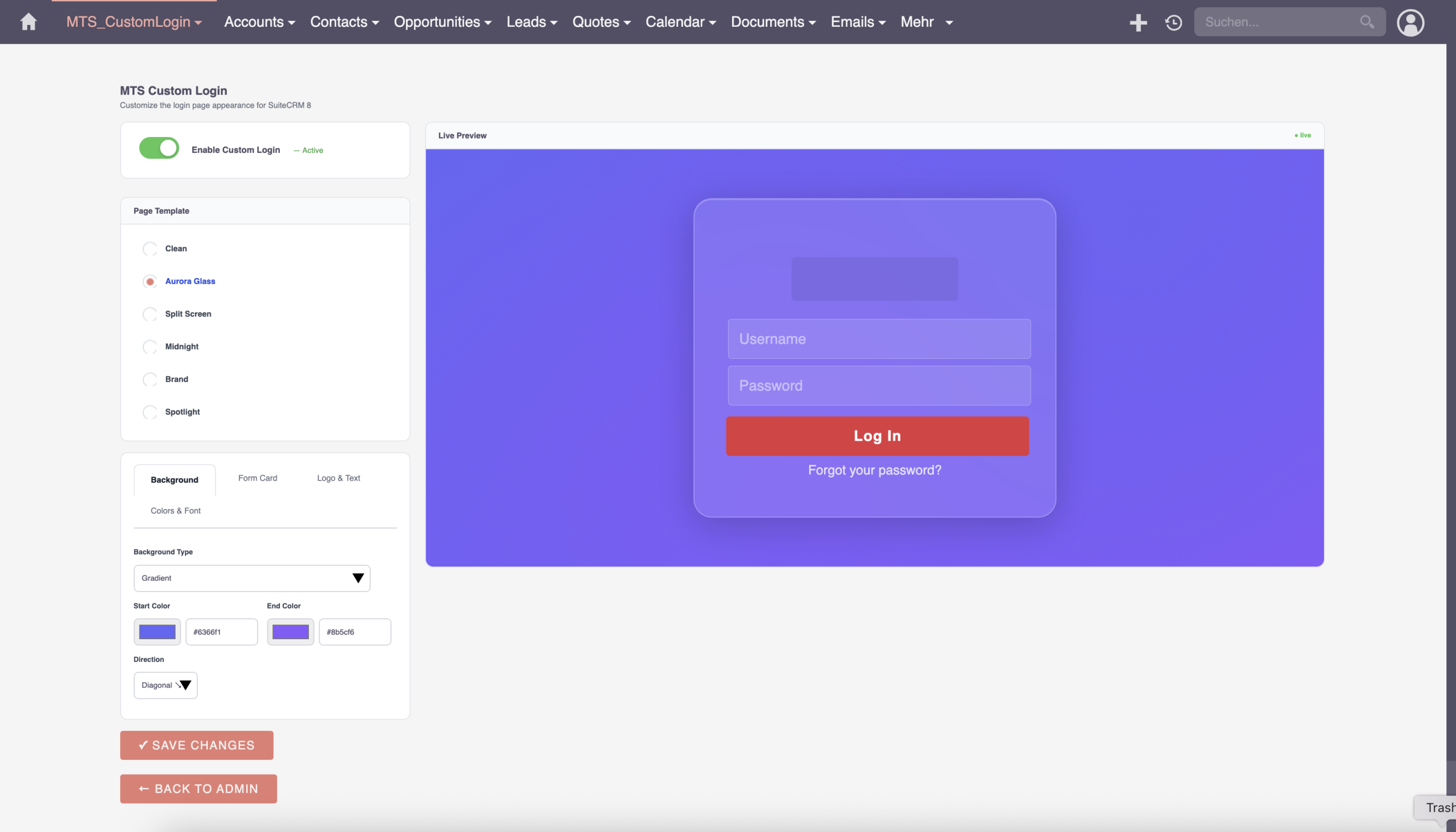
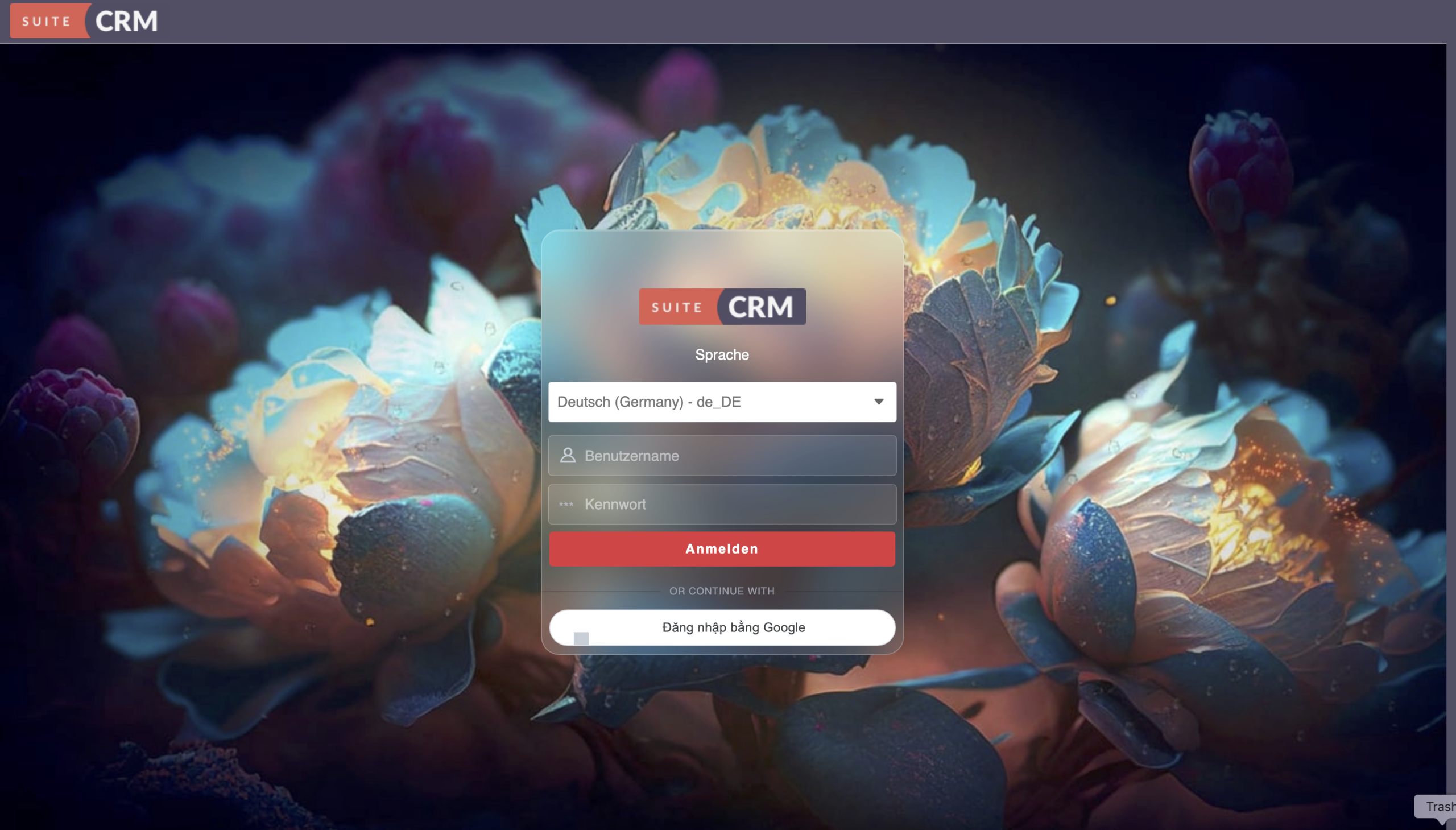
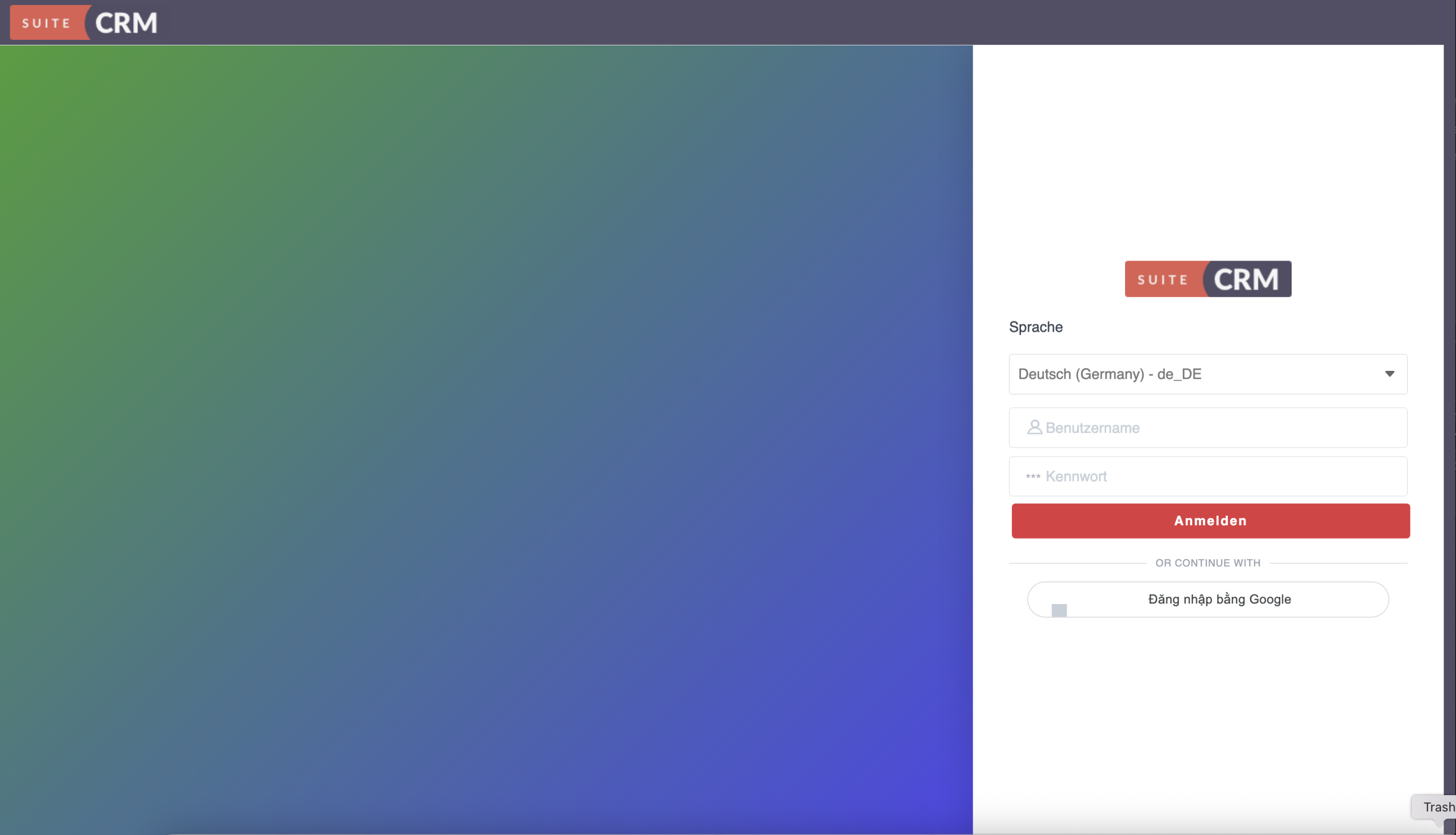
Comprehensive design tools built directly into SuiteCRM:
Visual Identity Control
Upload your company logo, adjust maximum display width, and pick the exact hex colors for buttons and focus rings.
Slideshow Backgrounds
Rotate high-resolution product images or campus shots automatically with adjustable timing intervals.
Zero Impact Architecture
All styling is strictly isolated to the login view. Once logged in, your CRM remains untouched and lightning fast.
Installation & Setup Guide
Welcome to the official documentation for the MTS Custom Login Page. Follow these simple steps to transform your SuiteCRM portal.
1. System Requirements
- SuiteCRM: Version 7.x or 8.x (Fully compatible with both Classic and Angular UIs)
- PHP: Version 7.4, 8.0, 8.1, or 8.2
2. How to Install
- Log into SuiteCRM as an Administrator.
- Navigate to Admin > Module Loader.
- Upload the plugin ZIP file and click Install.
- Go to Admin > Repair and run a Quick Repair and Rebuild.
3. Designing Your Portal
Navigate to Admin > MTS Custom Login Page to open the Visual Builder.
- Templates: Select from 6 premium layouts (e.g., Split Screen, Centered Card).
- Branding: Upload your corporate logo and adjust the maximum width slider.
- Backgrounds: Upload high-resolution images or select dynamic transition effects for slideshows.
Design Tip: Always use the "Live Preview" button before hitting Save to ensure your brand colors contrast well with your background image.
No changelog entries yet.
Is MTS Custom Login Page compatible with SuiteCRM 8?
Will my login page break when I upgrade SuiteCRM?
Do I need CSS or HTML knowledge to use this?
Related SuiteCRM Plugins
MTS User Activity Log
Track every user login, view, edit, and deletion with detailed diff history — plus 1-click restore for accidentally deleted data.

MTS Quick Search
Press Ctrl/Cmd + K to instantly search across all CRM modules with real-time fuzzy matching and keyboard navigation.
MTS Signature Field | Electronic Signatures for SuiteCRM
Capture legally binding digital signatures directly inside SuiteCRM on any device. Perfect for contracts, delivery receipts, and approvals.
Request this plugin
We don't run automated checkout yet — every order goes through a short form so we can confirm your SuiteCRM version, license type, and send a secure payment link.