
MTS Google Sign-In | Single Sign-On (SSO) for SuiteCRM
Streamline your CRM access with MTS Google Sign-In. Allow your team to authenticate securely using their existing Google Workspace (G Suite) credentials with a single click.
Why Implement Google SSO?
- Frictionless Access: Employees log in instantly without remembering another password.
- Centralized Security: Enforce Google’s 2FA, password policies, and session management on your CRM.
- Instant Offboarding: When an employee leaves, disabling their Google account instantly revokes their CRM access.
- Auto User Provisioning: Automatically create new SuiteCRM users when they first log in via your corporate domain.
📸 Visual Walkthrough & Interface Preview
Take a visual tour of the features and settings:
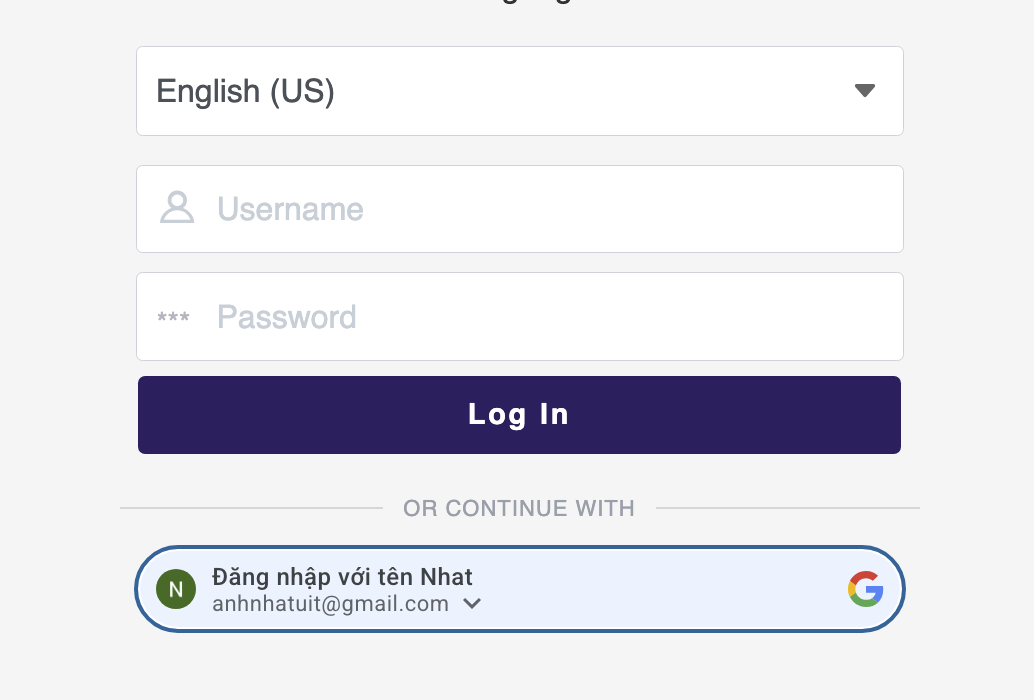
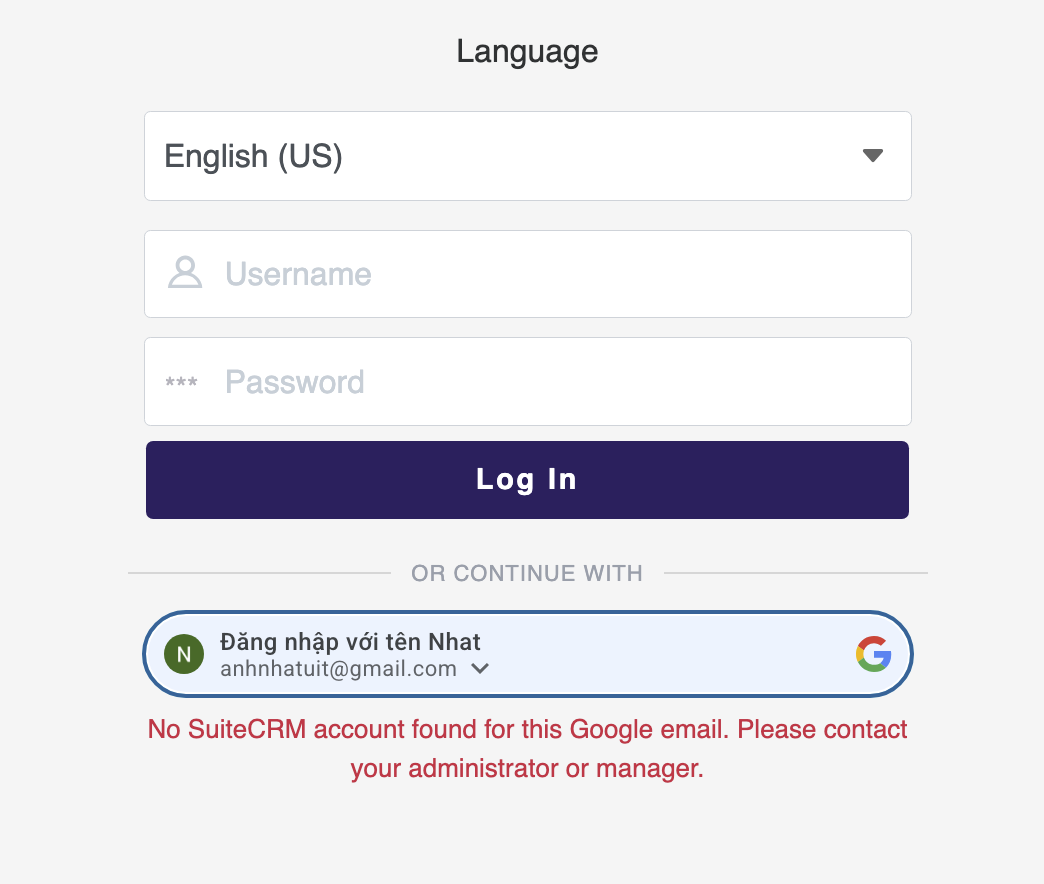

Enterprise-grade authentication features:
Domain Restriction
Lock down SSO access exclusively to your corporate Google Workspace domain (e.g., @yourcompany.com).
Auto-Mapping
Intelligently maps Google email addresses to existing SuiteCRM users to prevent duplicate accounts.
Dual Login Mode
Optionally retain the standard SuiteCRM login form for external contractors while forcing Google SSO for internal staff.
Installation & Setup Guide
Configure seamless Single Sign-On (SSO) for your team via Google Workspace.
1. System Requirements
- SuiteCRM: Version 7.x or 8.x
- SSL Certificate: Your CRM must be running on HTTPS to use Google OAuth 2.0.
2. Google Cloud Configuration
- Go to the Google Cloud Console.
- Create a new project and navigate to APIs & Services > Credentials.
- Create an OAuth Client ID (Web Application).
- Add your CRM's Authorized Redirect URI (found in the plugin settings).
- Copy the Client ID and Client Secret.
3. Plugin Setup
- Install the plugin via Admin > Module Loader.
- Go to Admin > MTS Google Sign-In.
- Paste your Client ID and Client Secret.
- (Optional) Enter your corporate domain (e.g., `yourcompany.com`) to restrict access.
Security Note: When Domain Restriction is enabled, any personal `@gmail.com` accounts will be automatically rejected.
No changelog entries yet.
Is it compatible with Google Workspace (G Suite)?
What happens if a user is deleted from Google Workspace?
Can we still use standard SuiteCRM passwords?
Related SuiteCRM Plugins

MTS Typeform Integration
Connect Typeform forms directly to SuiteCRM — automatically creating or updating Leads, Contacts, and custom module records via real-time webhooks.

MTS Stripe Integration
Generate secure Stripe payment links and 'Pay Now' buttons on SuiteCRM invoices — automatically recording paid statuses in real-time.
MTS ownCloud & Nextcloud Integration
Keep CRM file storage lightweight by linking documents directly to your self-hosted ownCloud or Nextcloud server with drag-and-drop ease.
Request this plugin
We don't run automated checkout yet — every order goes through a short form so we can confirm your SuiteCRM version, license type, and send a secure payment link.